

The Referrals tab keeps the entire invitation flow in one place. You can copy your referral details, share a QR code, follow each referral, and check how much activity your invited friends generate.
Earn by Inviting Friends
1
Share Your Referral
Open Earn Hub, go to Referrals, then copy your referral link or code. You can also click Invite Friends to share a QR code..png?fit=max&auto=format&n=70ejgBwC0LXxbF63&q=85&s=af05bd8b480c7830f8423785149f5f30)
Summary of Invitations
Summary of Invitations
The Summary of Invitations panel gives you a quick overview of your referral performance over different time periods. Review invited users, total activity, rewards earned, and how many referred users have started trading.
2
Use an Invite
A referral must be applied when a new Silvana account is created.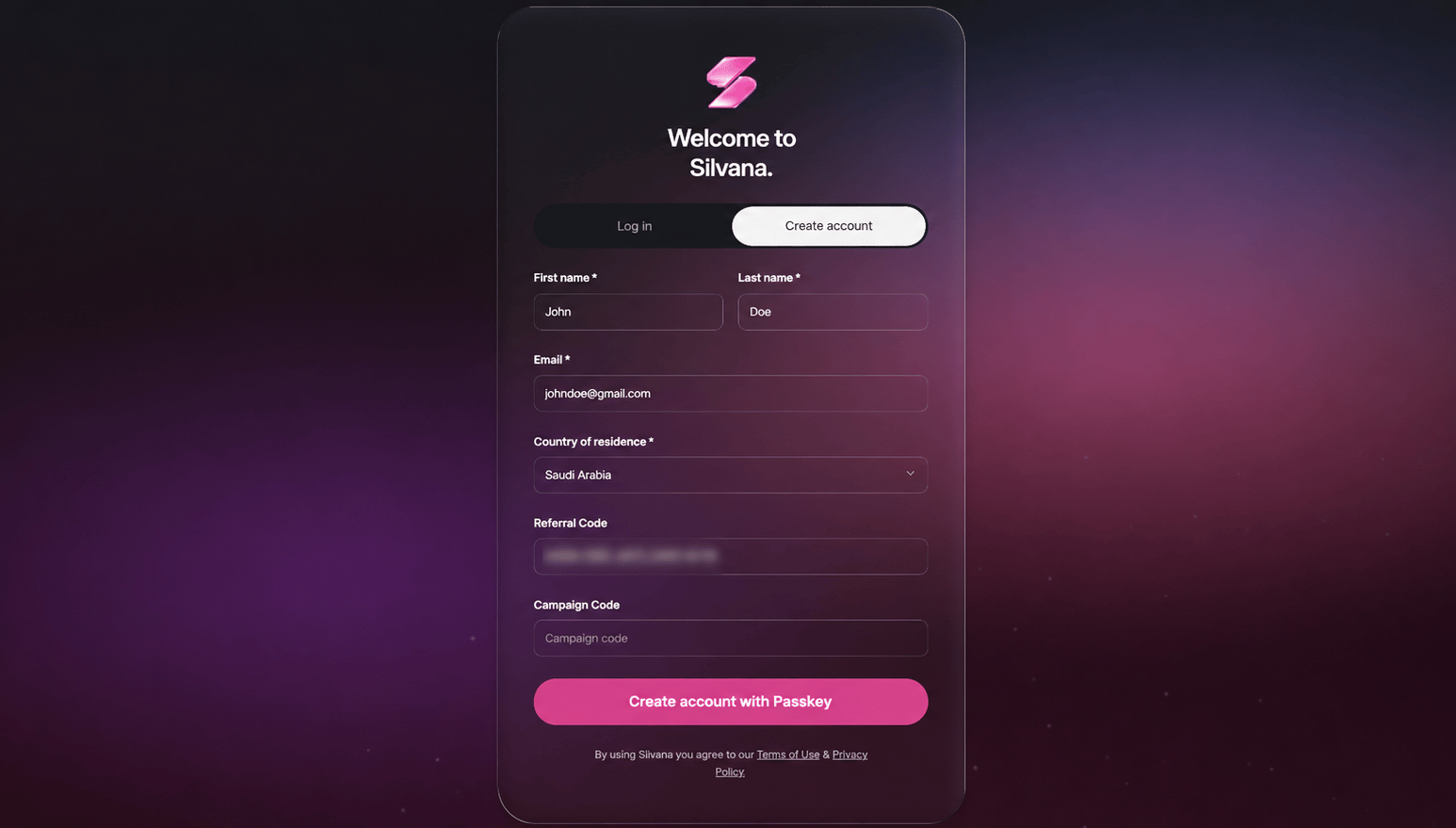
- Referral link or QR code: the referral code is added automatically.
- Referral code: paste the copied code into the corresponding field.
3
Monitor Activity
Open Referral Activity to view invited accounts, eligible trading activity, and referral earnings.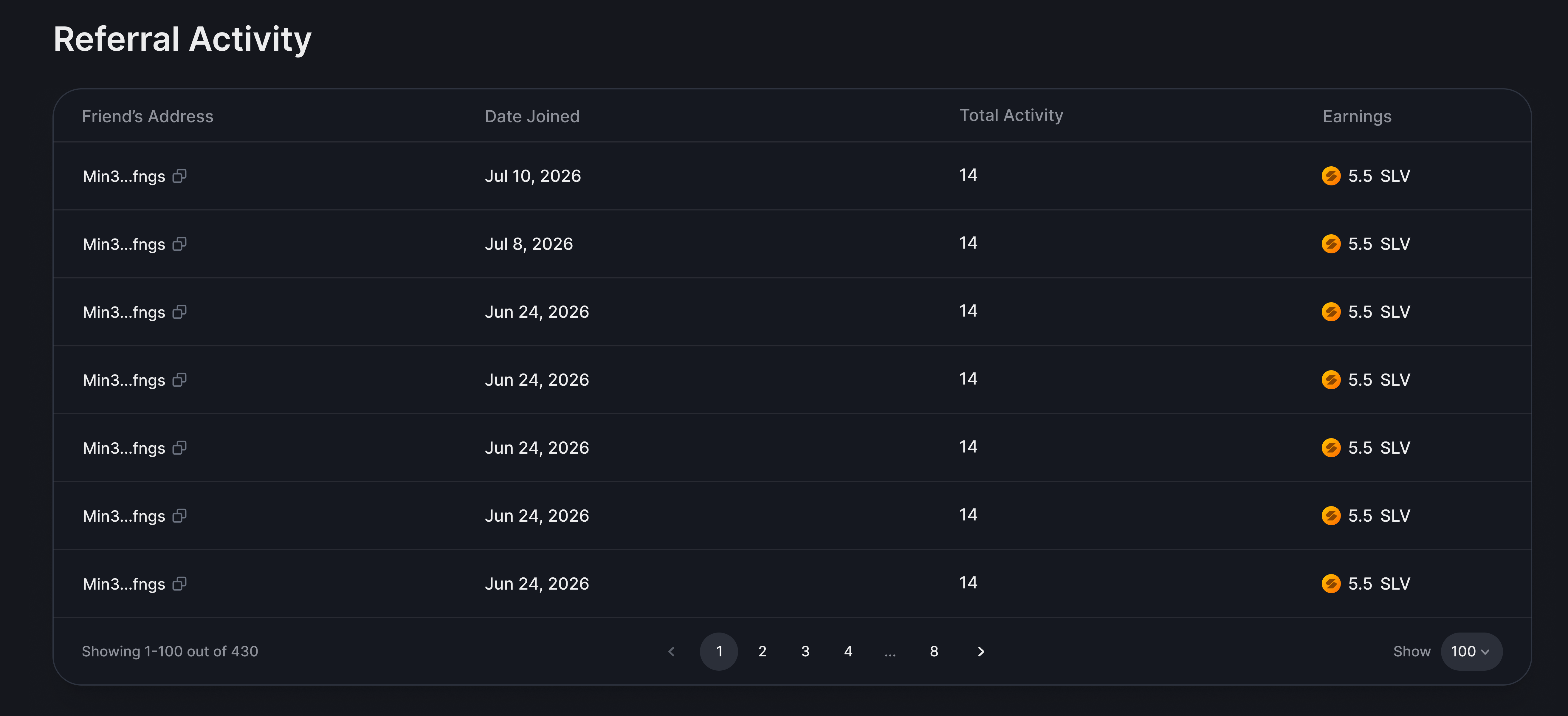
Referral earnings are generated from eligible activity, so inviting a user alone does not generate rewards.