Earn Hub is Silvana Book’s reward space, where your trading activity turns into points, progress, and rewards. Track your activity, complete tasks, follow your position in the leaderboard, invite friends, and claim rewards as they become available. The more you interact with the orderbook, the more progress you see in the dashboard. Stay active and Earn Hub records your progress in the current round while helping you see your results and what to do next.
In Earn Hub, activity is organized into seasons. Each season is a fixed period during which your trading activity, tasks, and leaderboard position are tracked and combined into a final result.

Where rewards come from

The system tracks multiple indicators of participation, including:
  • successfully settled transactions;
  • trading activity;
  • trading volume;
  • completed achievements;
  • leaderboard position.
Rewards are calculated based on these metrics and distributed periodically at the end of each program round.
Only successfully settled transactions count toward rewards. Failed transactions are not rewarded.

Dashboard

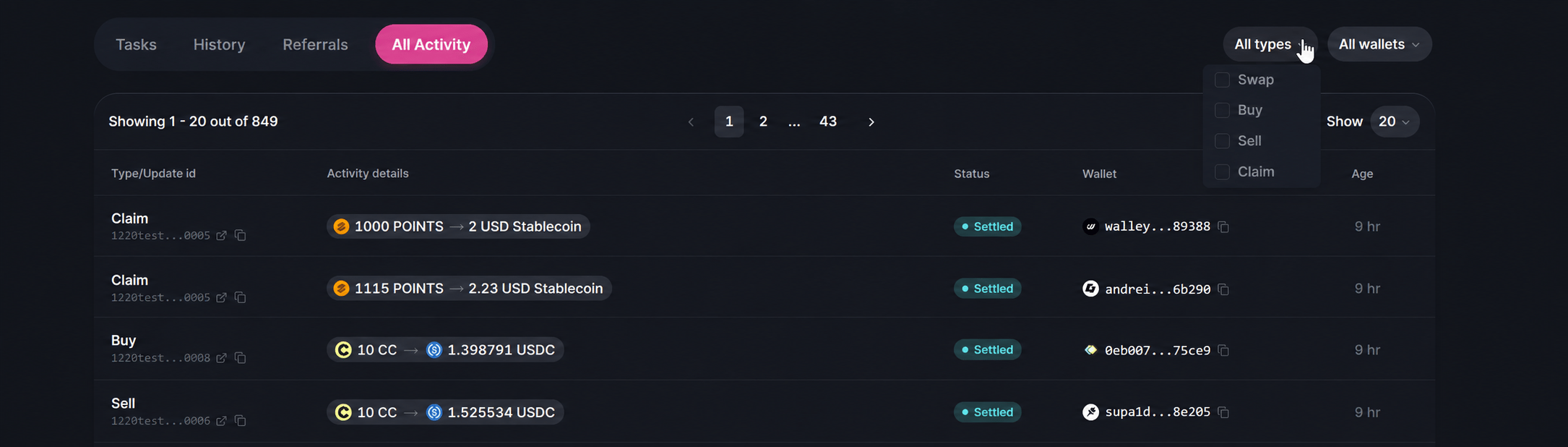
The Earn Hub dashboard aggregates user activity and reward metrics into a single interface. The main sections include Tasks and History. Tasks show what actions you can complete to earn more, while History reflects what you’ve already achieved.
Achievement Cards

Performance Tracking

The dashboard allows participants to monitor both current season performance and lifetime activity. Your achievements also appear as icons next to your account, highlighting your progress and milestones at a glance.
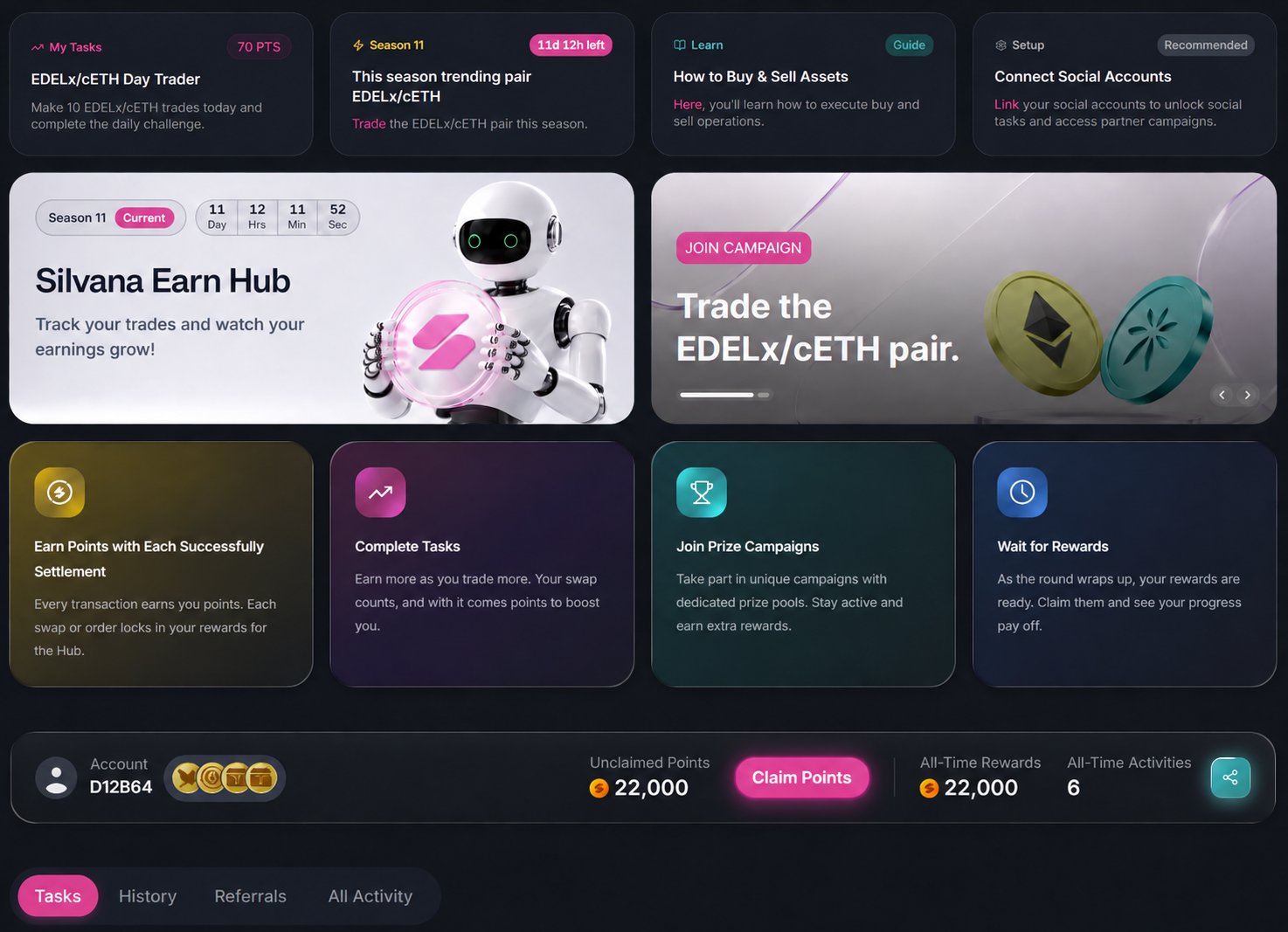
Claimable points are part of your overall season performance, not a separate reward pool. They reflect your activity during the season and are used within the same reward system, contributing to your final results.
We’re currently refining the interface to make this clearer, and the claim timing may be adjusted while we finalize this part.

Tasks

This is where you can see which actions earn you points.
As new achievements become available, they will appear in the Tasks section. Each task shows your current progress, how much remains to be completed, and the reward you can receive.
Tasks are tied to real usage. You don’t complete them manually. You trade, and progress updates automatically. There are different types of tasks and achievements:
  • one-time actions – the first trade;
  • repeatable actions – daily or weekly trading;
  • long-term goals – monthly activity;
  • milestone actions – achieving specific trading goals.
Image
There are a lot more achievements to come – stay active and get excited for what’s ahead!

History

This section shows your past activity and achievements.
As you complete tasks, they move from the Tasks section to History, creating a record of everything you’ve accomplished.
You can review:
  • completed tasks;
  • received rewards;
  • previous actions.
With History, you track what you’ve already done and how your activity evolves over time. Achievement Cards (1)
Check your notifications to see updates on your progress and newly unlocked achievements.
Image

Leaderboard

Stay tuned on our channels for updates – the Leaderboard is on the way, and you’ll be able to track your rank and progress soon!