

KYC Required
To start trading on Canton with Silvana Book, you have to complete the KYC verification procedure during onboarding. It is intended to validate user identity and prevent access from restricted geographic locations. We partner with Persona and SumSub for KYC verification. Until verification is completed, access to certain platform features may be limited.Verification Flow
To pass the KYC check, you have to submit the following data and documents:- The country that issued the personal identity document.
- Photos of the personal identity document of your choice.
The check runs automatically. Wait until it proceeds.
Manual Check
If you fail to provide valid and truthful information and documents, or the submitted documents do not meet the quality requirements, KYC verification may fail or proceed to manual review. In the latter case, you’ll have to wait up to one week for it to finish.KYC Statuses
The verification flow is lengthy, and at each step, you’ll be notified of the current check status. Below is the full list of KYC statuses:| Status | Description |
|---|---|
| Pending | Verification is being processed. |
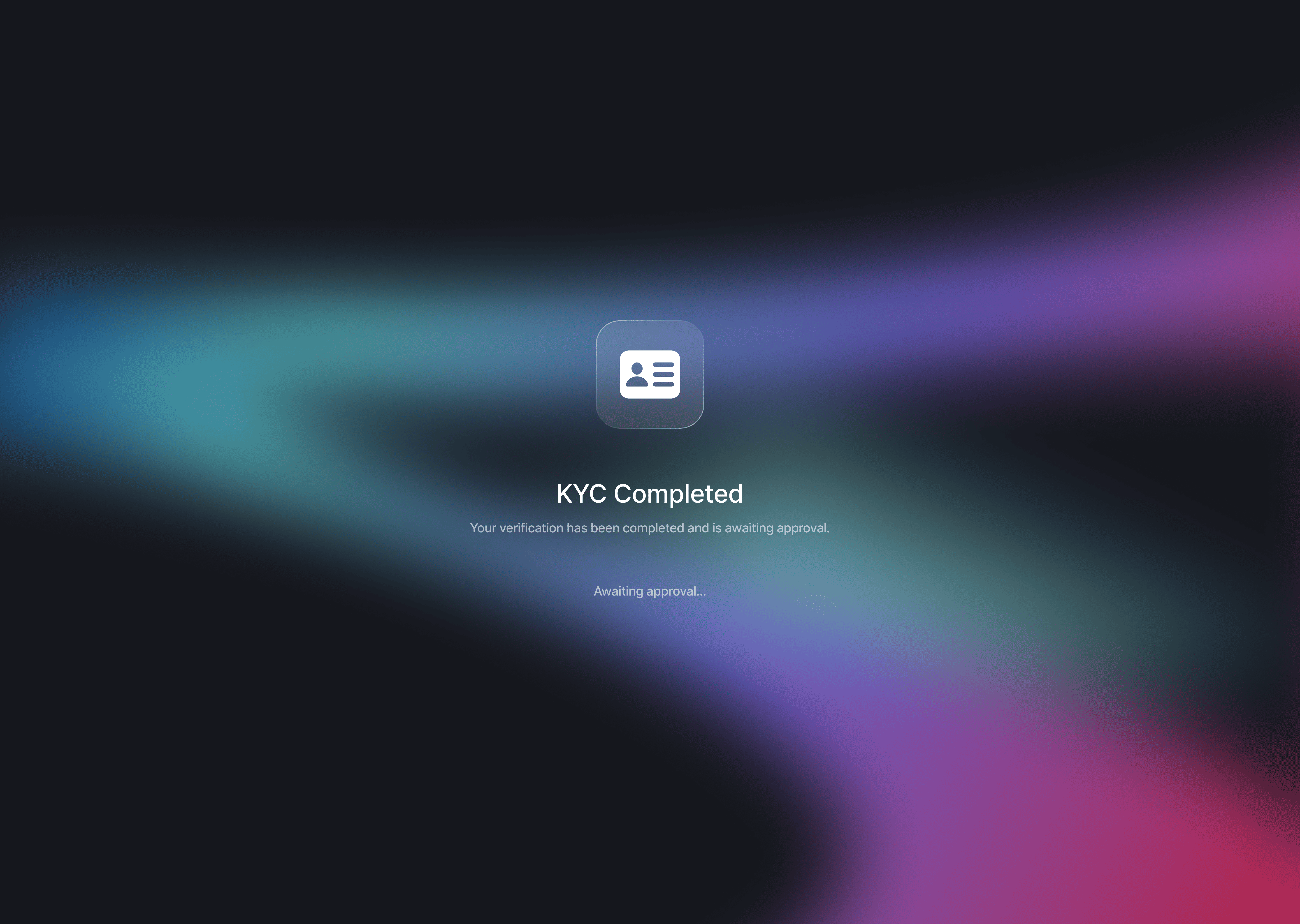
| Completed | Verification has been successfully completed. |
| Review Needed | Verification is under review. |
| Initiated | Verification has started. |
| Declined | KYC data has been checked, and verification has been declined. |
| Failed | Verification has failed. |
| Expired | Verification time has run out. |