> ## Documentation Index
> Fetch the complete documentation index at: https://docs.silvana.one/llms.txt
> Use this file to discover all available pages before exploring further.
# Referrals
Share your personal referral details, track referral activity, and see how your network contributes to your Earn Hub rewards.
The Referrals tab keeps the entire invitation flow in one place. You can copy your referral details, share a QR code, follow each referral, and check how much activity your invited friends generate.
# **Earn by Inviting Friends**
Open Earn Hub, go to Referrals, then copy your referral link or code. You can also click Invite Friends to share a QR code.
.png?fit=max&auto=format&n=70ejgBwC0LXxbF63&q=85&s=af05bd8b480c7830f8423785149f5f30) The Summary of Invitations panel gives you a quick overview of your referral performance over different time periods. Review invited users, total activity, rewards earned, and how many referred users have started trading.
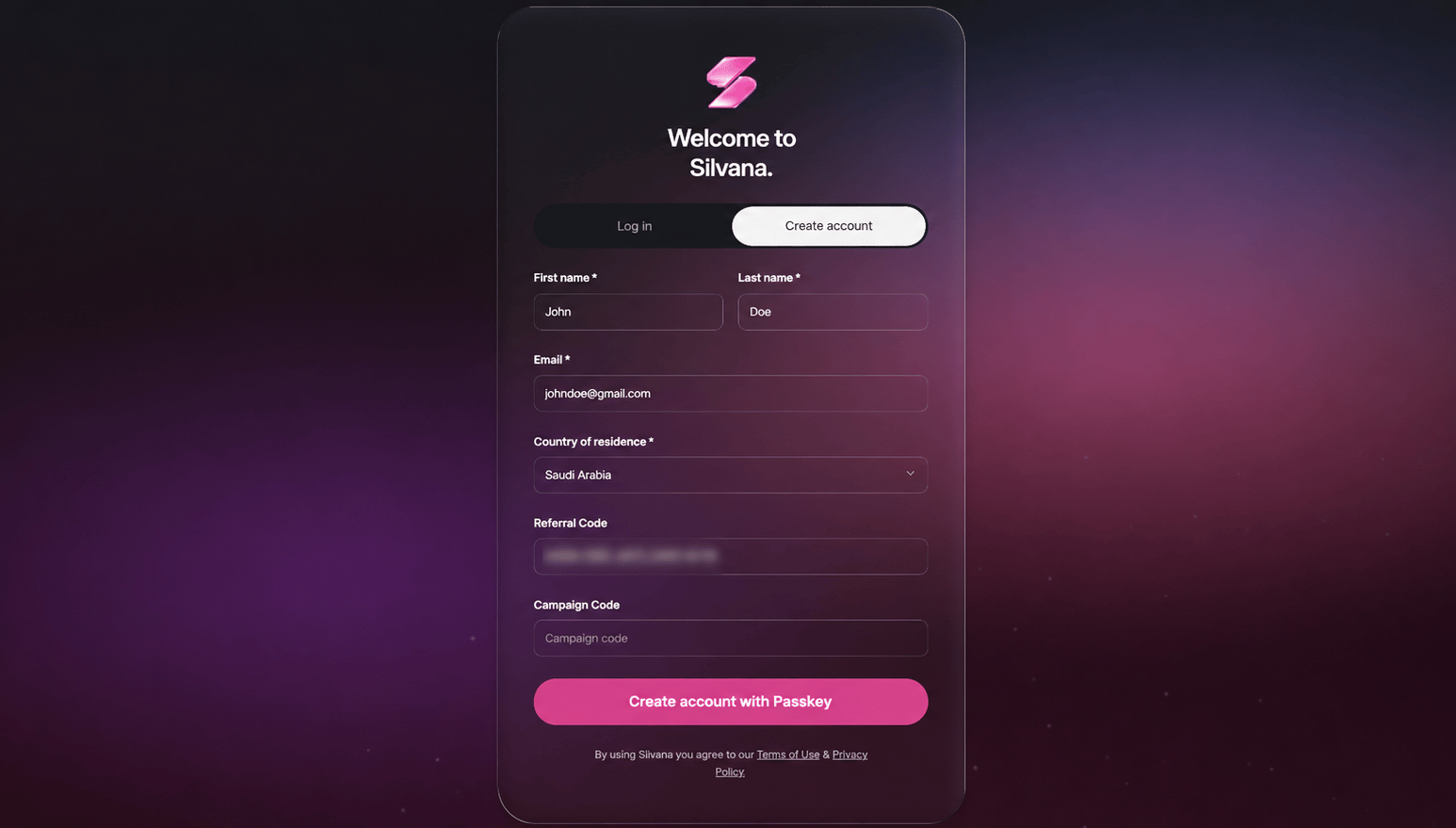
A referral must be applied when a new Silvana account is created.
* **Referral link or QR code:** the referral code is added automatically.
* **Referral code:** paste the copied code into the corresponding field.
The Summary of Invitations panel gives you a quick overview of your referral performance over different time periods. Review invited users, total activity, rewards earned, and how many referred users have started trading.
A referral must be applied when a new Silvana account is created.
* **Referral link or QR code:** the referral code is added automatically.
* **Referral code:** paste the copied code into the corresponding field.
 Open Referral Activity to view invited accounts, eligible trading activity, and referral earnings.
Referral earnings are generated from eligible activity, so inviting a user alone does not generate rewards.
Open Referral Activity to view invited accounts, eligible trading activity, and referral earnings.
Referral earnings are generated from eligible activity, so inviting a user alone does not generate rewards.
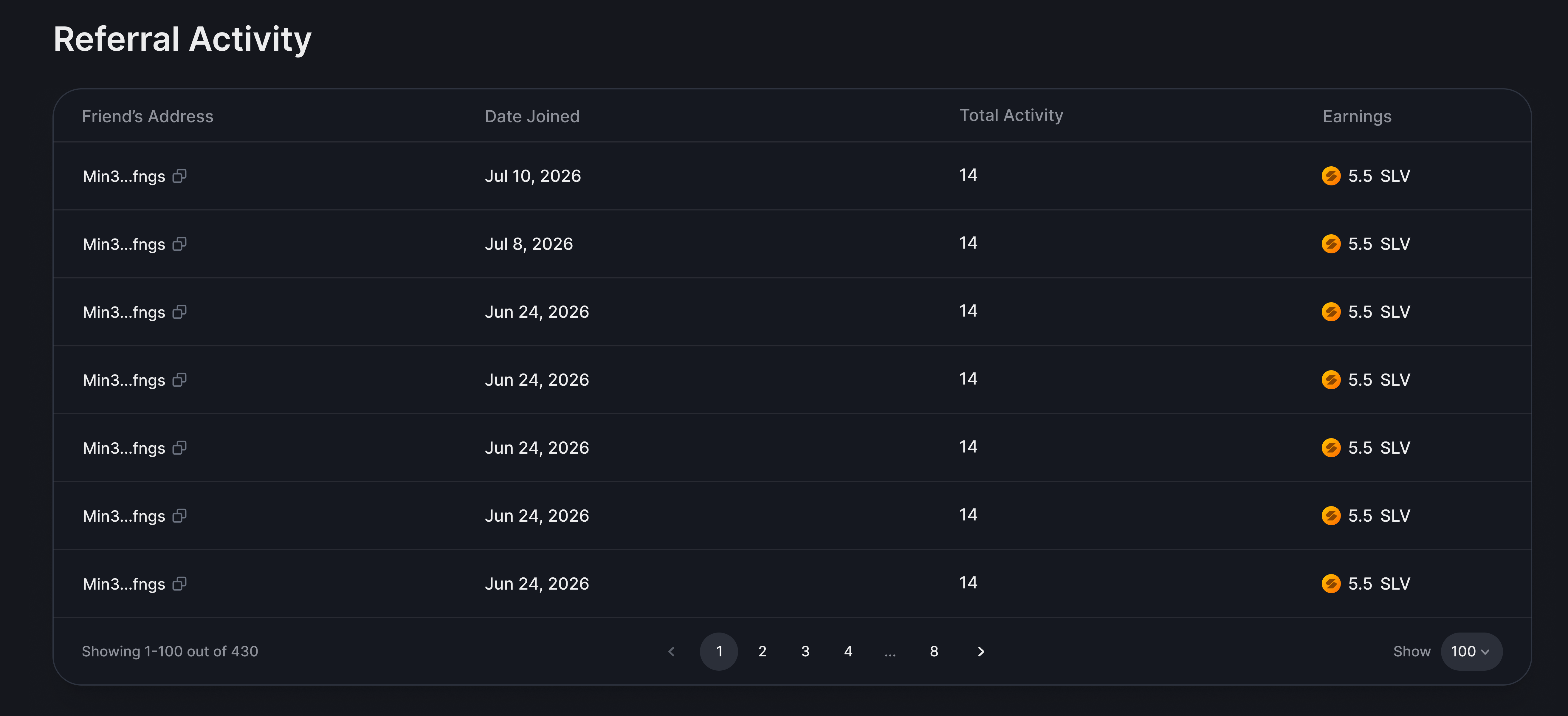 Rewards come from points earned for eligible trades, not from trade volume. Only trading points are considered – points from tasks, achievements, and other activities do not generate referral rewards.